Monitors & Displays
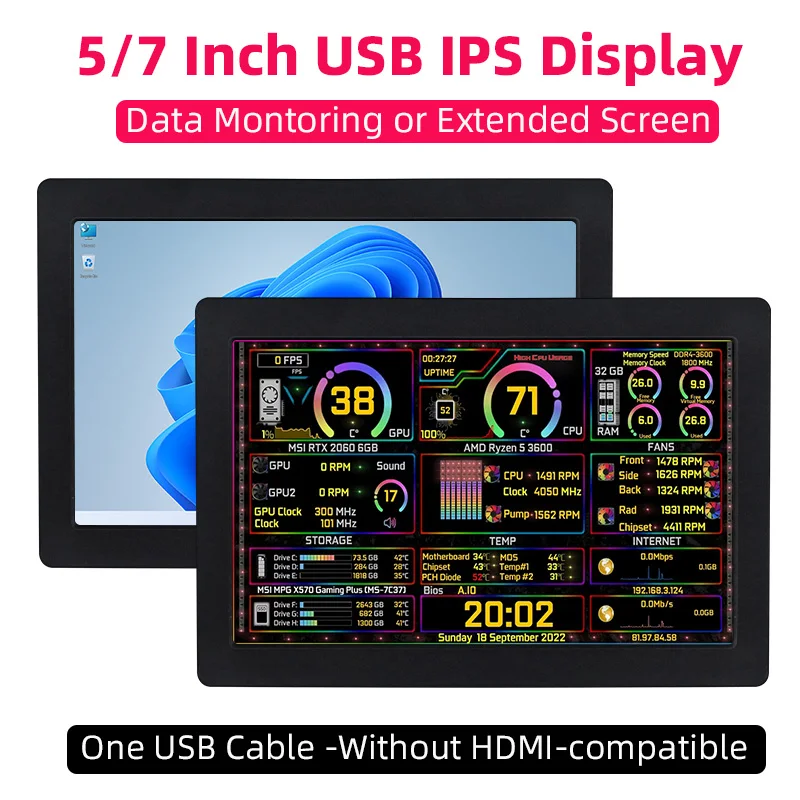
5 / 7 Inch IPS USB Secondary Screen 1024*600 ONE Cable AIDA64 Monitoring Display Support Desktop Extended LCD for Win10/11
£57.36
Color
1
- When the screen is black, first check if the light is on; if the light is not on, replace the Type-C data cable/switch the USB port on the computer and then test.
- Right-click on the desktop and check if the display is detected in the display settings; if not, replace the Type-C data cable/switch the USB port on the computer and then test.
- Confirm whether it is in the duplicate mode in the display settings; if it is, change it to the extended mode.
- Open the Task Manager, close the MS USB Display process in the processes, and then restart the program.
- Confirm whether the config.int file has been replaced.
- Please check if the config.ini file is installed in the C:\Program Files\Win USB Display directory.
- After installation, restart your system to enable the 1024x600 resolution.
- Ensure that the USB2.0 interface has sufficient power supply. It is recommended to connect the side monitor to the USB interface on the PC, or use the USB3.0 interface.
- Open Display setting, click Detect . If the secondary screen is recognized, set it to Extend these displays .
- f the secondary screen isn t recognized, check if the MS USB Display driver is loaded correctly in the Device Manager .